

Sign In and Find Your Way Around
After these steps you are signed in, you know where every panel opens from, and you know where to switch the language, change your password and log out.
Before You Start
Section titled “Before You Start”- The CMS is running. On the Quickstart stack it answers at
http://localhost:8180, with the accountadminand the passwordadmin123. When the API behind it does not answer, or sign-in answers 429: Troubleshooting. - Any staff role signs in: Viewer, Editor, Manager or Administrator. The
adminaccount is a superuser and sees every panel.
-
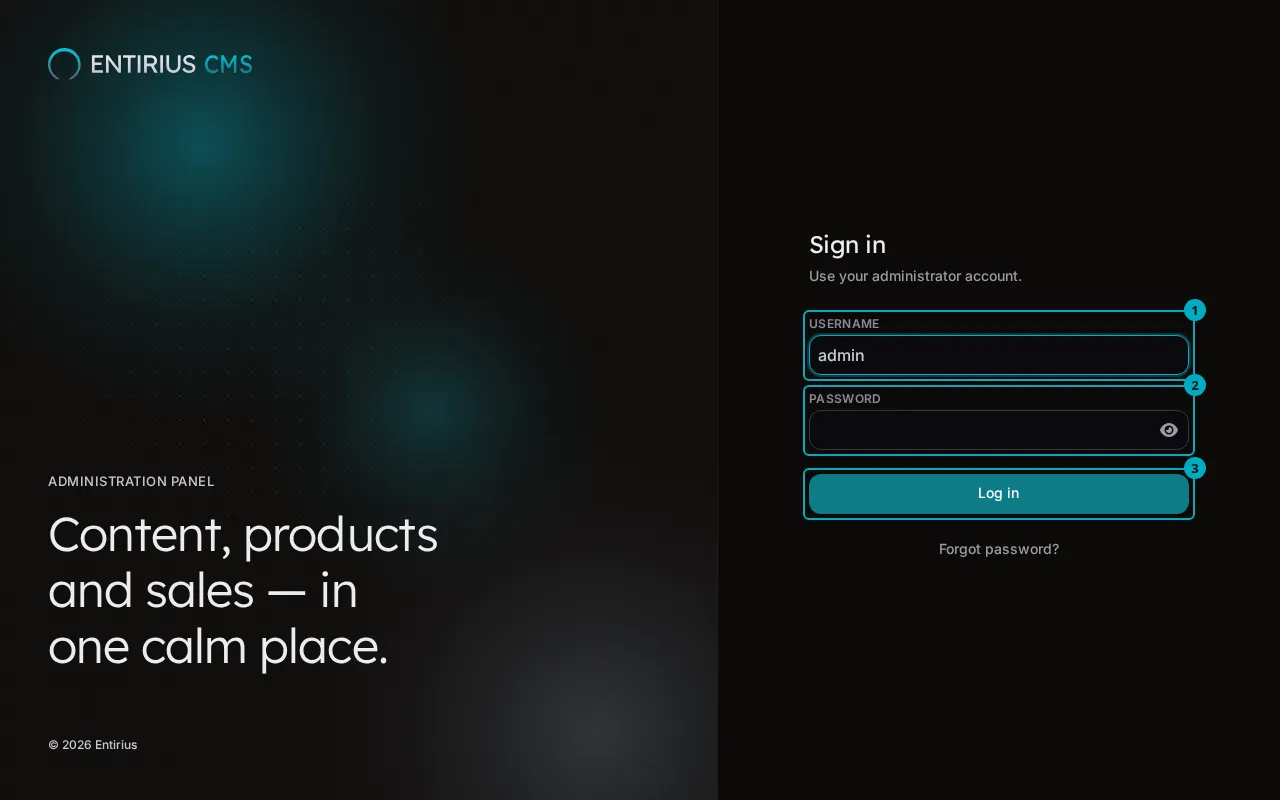
Open the CMS address. On the Sign in screen, type your Username (1) and Password (2), then select Log in (3).
-
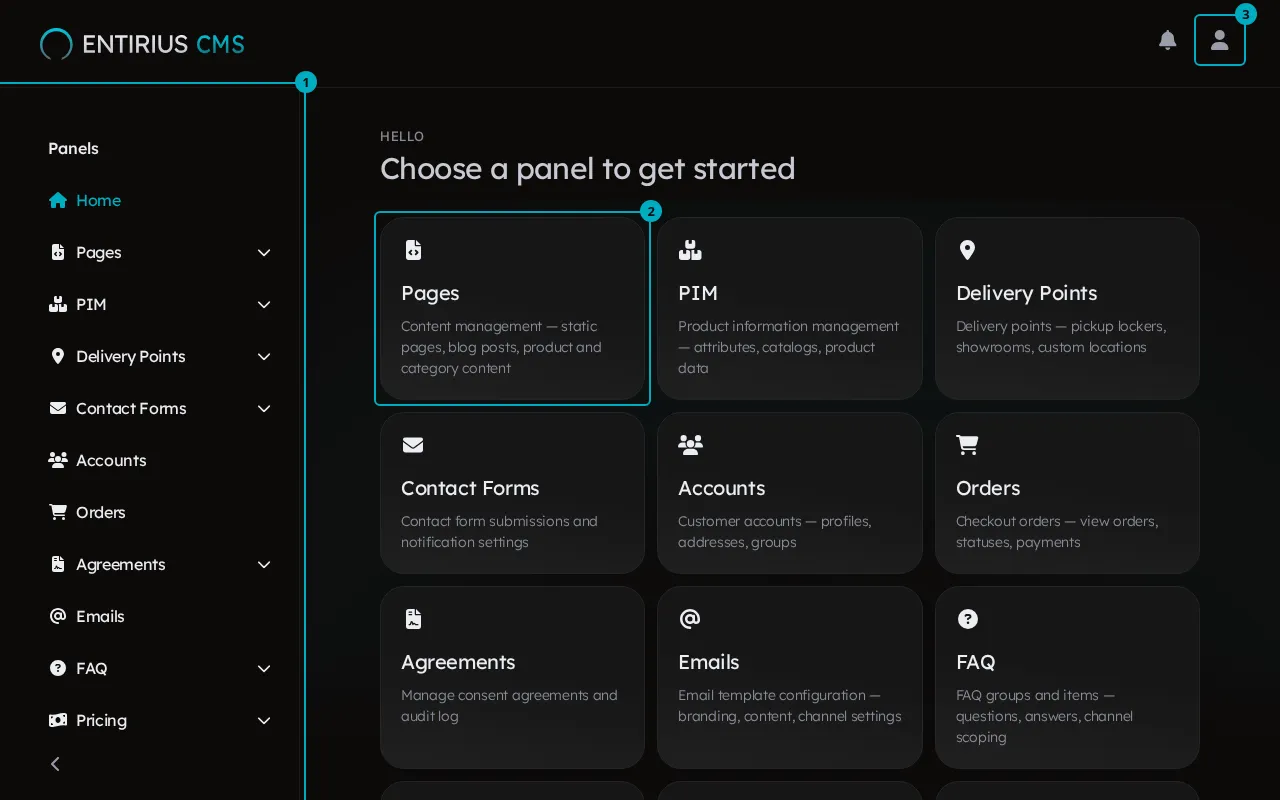
The home screen opens with Choose a panel to get started. The sidebar (1) lists the panels, each card (2) opens one panel, and the user button (3) opens your menu. Home shows only the panels your role may read. A panel the backend has not enabled shows a locked card that reads Contact your administrator to enable this module.
-
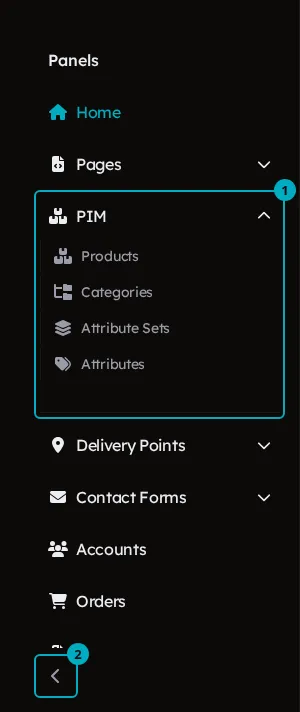
In the sidebar, under Panels, select a panel that has an arrow. The group opens and lists the panel’s pages (1); select one to go there. Collapse sidebar (2) at the bottom collapses it.
-
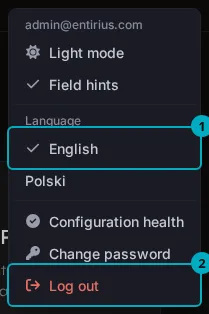
Select the user button in the top right corner. The menu holds the theme switch (Light mode while the CMS is in the dark theme), Field hints, and under Language the choice between English (1) and Polski. Change password is here too, and Log out (2) ends the session.
Result
Section titled “Result”You are signed in and on the home screen. Every panel your role may read is one click away, from a card or from the sidebar.